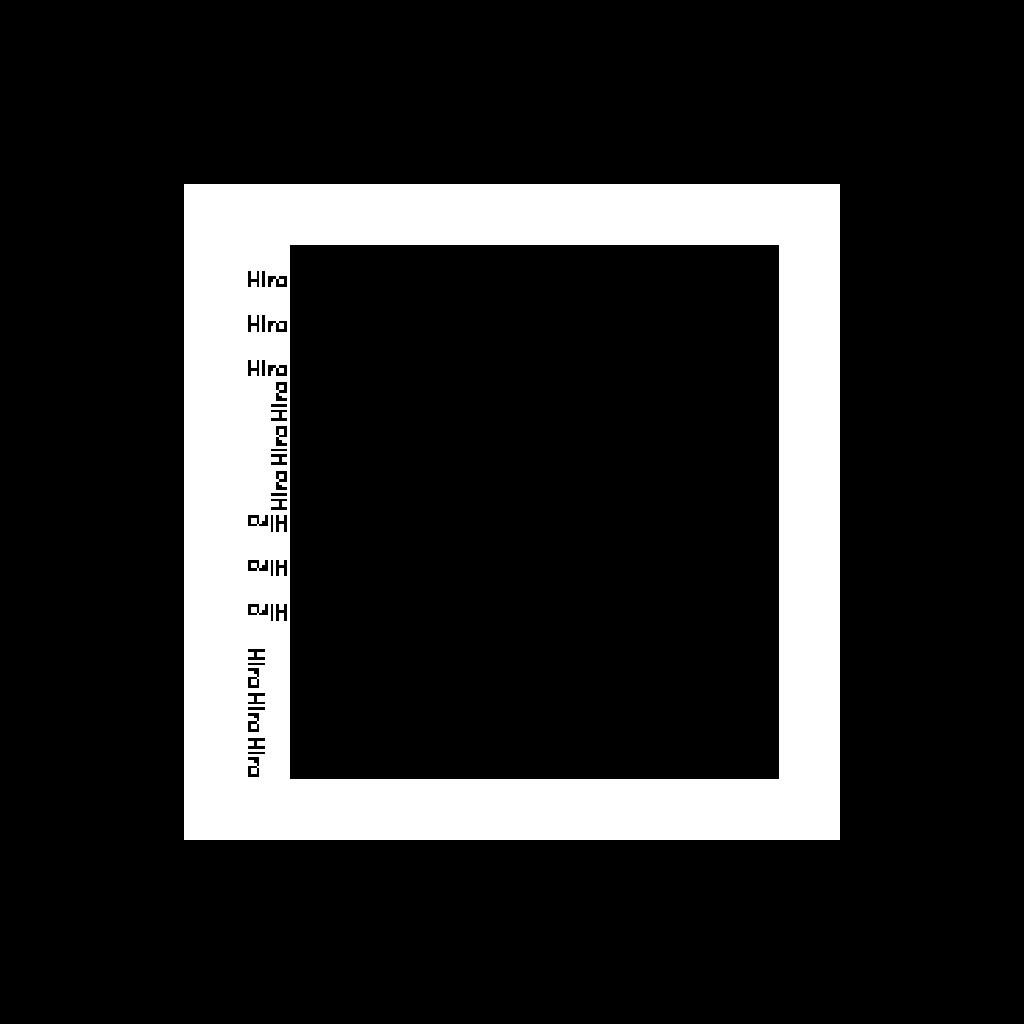
Hiro
the classic AR.js default
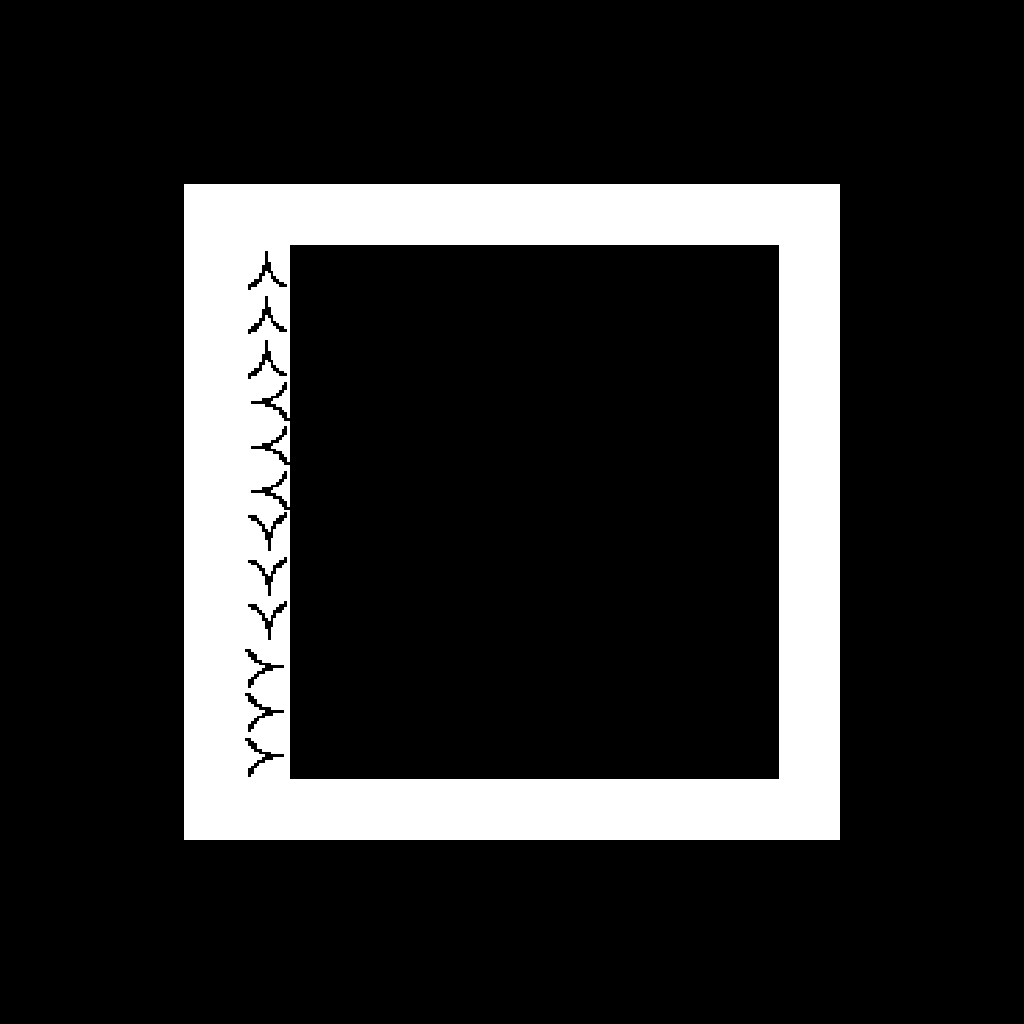
Kanji
Japanese character marker
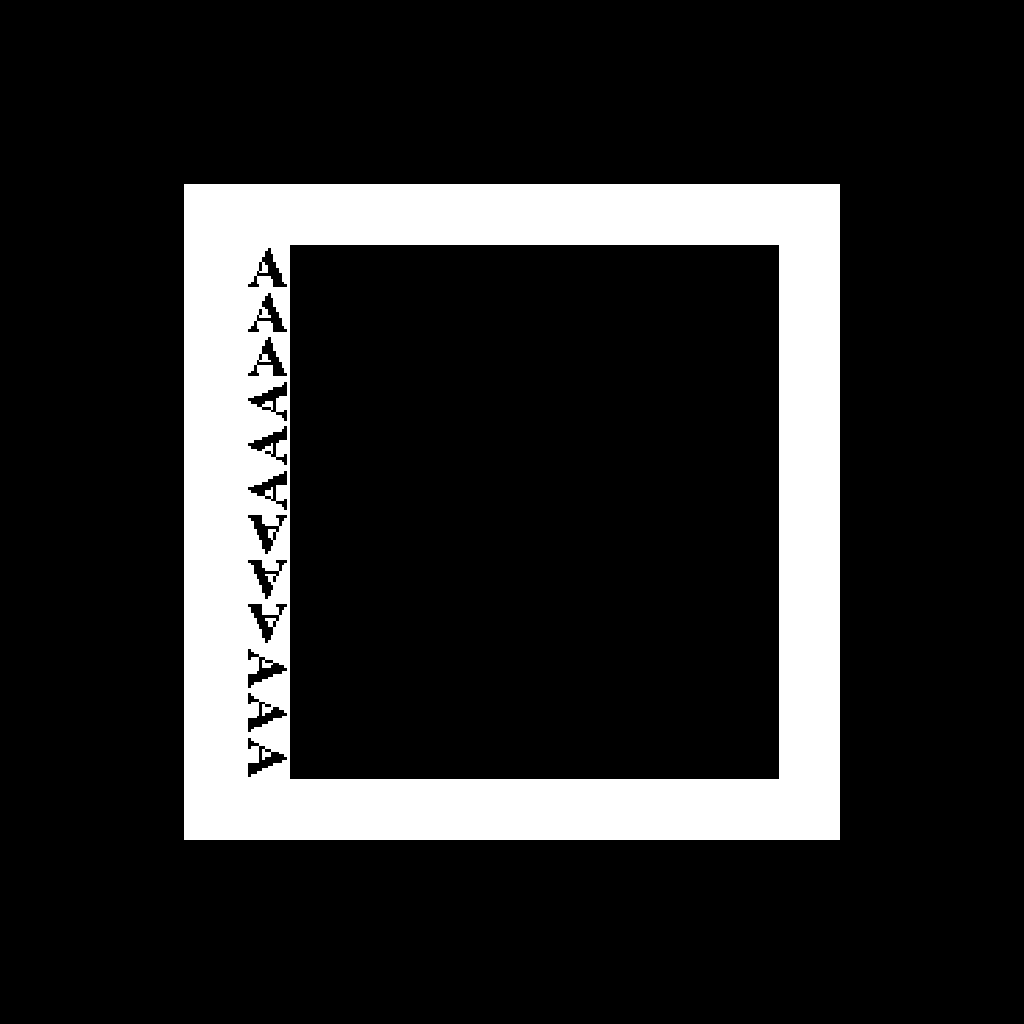
Letter A
the letter-A marker
The AR pages need a marker to detect. Each of these three is a different experience. Don't point the phone at another screen if you can avoid it — glare and moiré confuse tracking. Best options:
A) Print this page and point the phone at the paper (best), or
B) Open this page on a second device and point the phone at it, or
C) Screenshot one marker, open it full-screen in your photo viewer,
then open the AR page in your browser and point at the photo.